
Sexual Service Scams
Learn how sexual service scams work, spot the red flags, and take simple steps to protect yourself from financial loss, blackmail, and online harm.
Last updated 28 May 2026
Key takeaways
Be wary of friend requests or online listings offering escort, massage or sexual services.
Do not make upfront payments for services offered online.
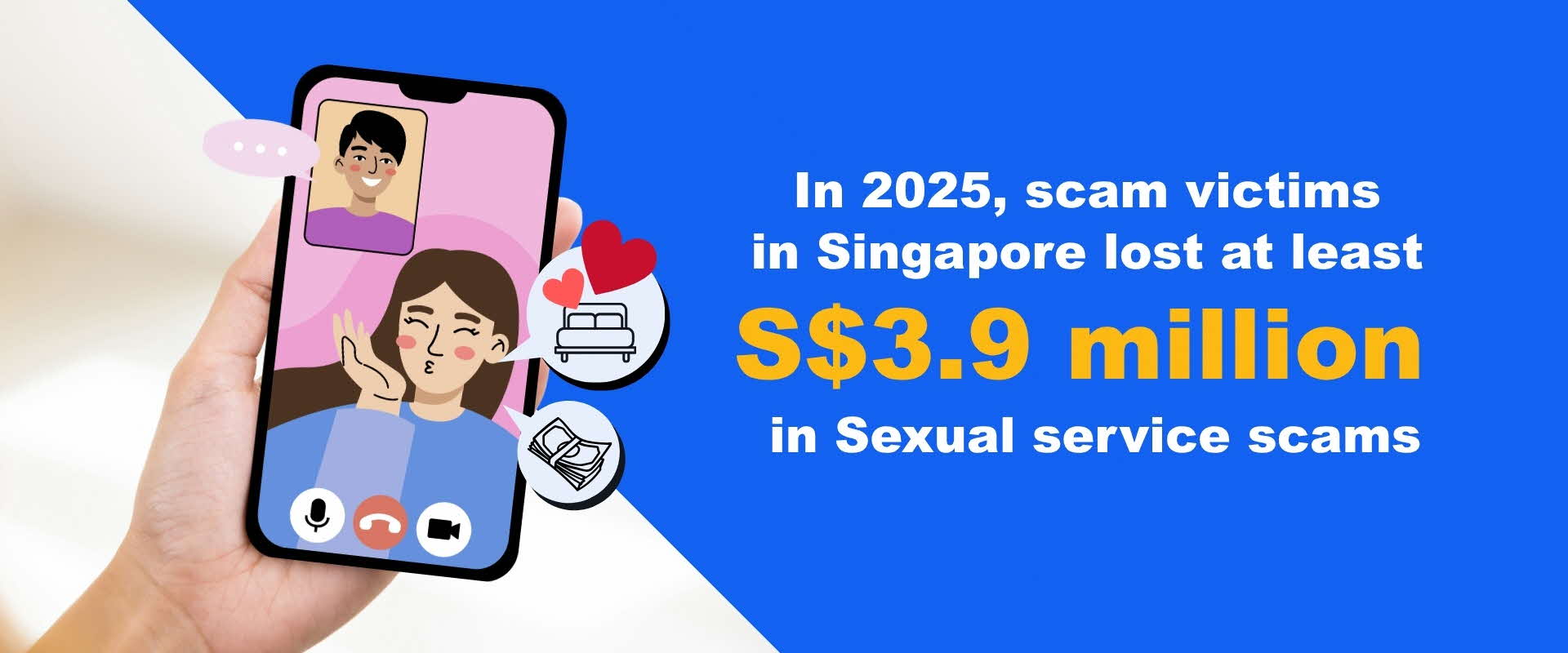
Annual Scams and Cybercrime Brief 2025
How it works?
Sexual service scams target individuals seeking escort, massage, or intimate services through online platforms and social media.
The bait
Scammers create fake profiles with attractive photos, appealing descriptions and quick replies to lure victims.
Payment request
They ask for a deposit or upfront payment to “book” the service before any meet up. Payment is usually via game credits at AXS machines or via the purchase of gift cards.
Threats or Disappearance
Once payment is made, the scammer becomes uncontactable without providing services. Some may threaten to expose victims' conversations or payment records for additional extortion.
Malware and sextortion variant
This variant involves tricking victims into downloading malicious software disguised as video calling applications.
The malware grants scammers access to the victim's device, including photo galleries and contact lists, allowing scammers to record compromising footage during video calls or extract intimate images.
They then demand payment by threatening to share this content with the victim's contacts, creating ongoing extortion.
How to spot the red flags?
Unsolicited offers of sexual services online
You are contacted unexpectedly on social media, messaging apps, or dating platforms offering sexual services.
Asked to download unknown apps or click suspicious links
You are told to install apps or click links (e.g. for video calls), which may contain malware.

Threats or blackmail after engagement
The scammer may obtain compromising images or videos and threaten to send them to your contacts unless you pay.
Requests for personal data or access to your device
You are asked to grant permissions, share personal information, or allow access to your phone or accounts.
How to stay safe?
ADD:
ScamShield app to block scam calls and filter scam SMSes
CHECK:
Do not transfer money or send gift cards to unknown persons.
Never use clickable links or QR codes from unknown persons for payments.
Never disclose personal information, banking details, or OTPs to anyone.
TELL:
Warn your friends and family about your scam encounter.
Make a police report if you think you have fallen victim.
Unsure if something is a scam? Check by calling the 24/7 ScamShield Helpline at 1799.
Encountered this scam? Here’s what to do
If you have transferred money to a scammer, please visit this page for a list of immediate actions: I've Been Scammed!
If you have already downloaded and installed the application, or suspect that your phone is infected with malware, please take the following steps:
Turn your phone to “flight mode”. Check that Wi-Fi is switched off and do not switch it on.
Run an anti-virus scan on your phone.
Check your bank account/Singpass/CPF etc. for any unauthorised transaction(s) using other device(s).
If there are unauthorised transaction(s), report to the bank, relevant authorities, and lodge a Police report. Continue to keep your phone in “flight mode” and do not do a factory reset before reporting the incident to the Police as this could hinder investigations.
After completing steps 1-3, if you believe that your phone has not been infected with malware, you may resume usage of your phone. As a further precaution, you may consider doing a “factory reset” of your phone and changing important passwords.
Help keep the community safe by reporting any instances of this scam you’ve seen or experienced with the ScamShield App.